POS for bars and restaurants · By Orquesta Labs

A POS that keeps pace with service.

Take orders from the table to the kitchen and settle the bill through a flow designed for service. Tables, preparation and till keep every operation connected.

  • Orders and till
  • Dirige and Orquesta
  • Independent subscription

Your POS independently or alongside other SaaS. Hardware and physical installation are excluded. Labs continues in Spanish.

Choose online Web or installed App. Compatible external equipment is required for App. Complete its diagnostic before purchase; subscribing does not automatically activate or validate your installation. Review requirements

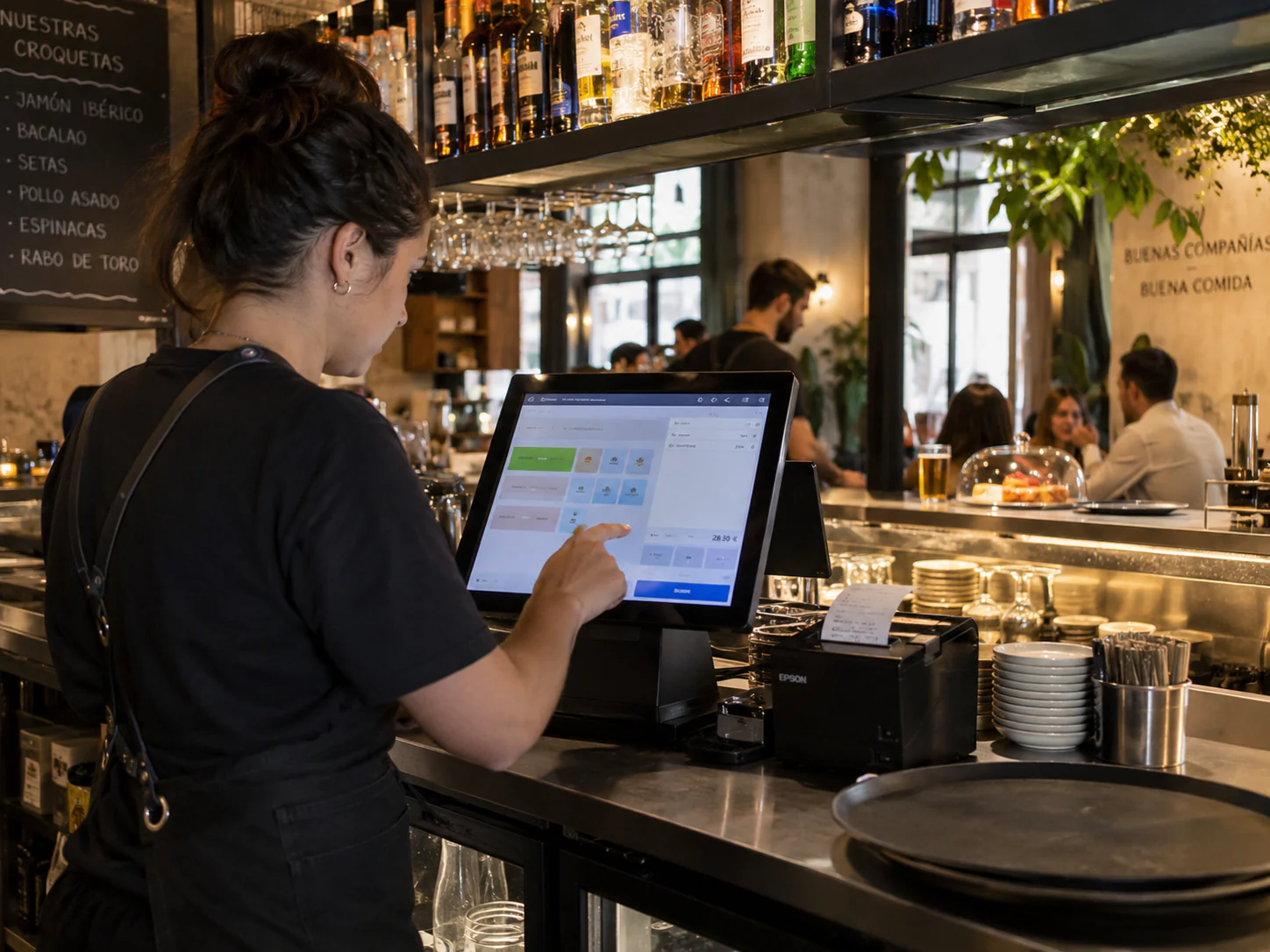
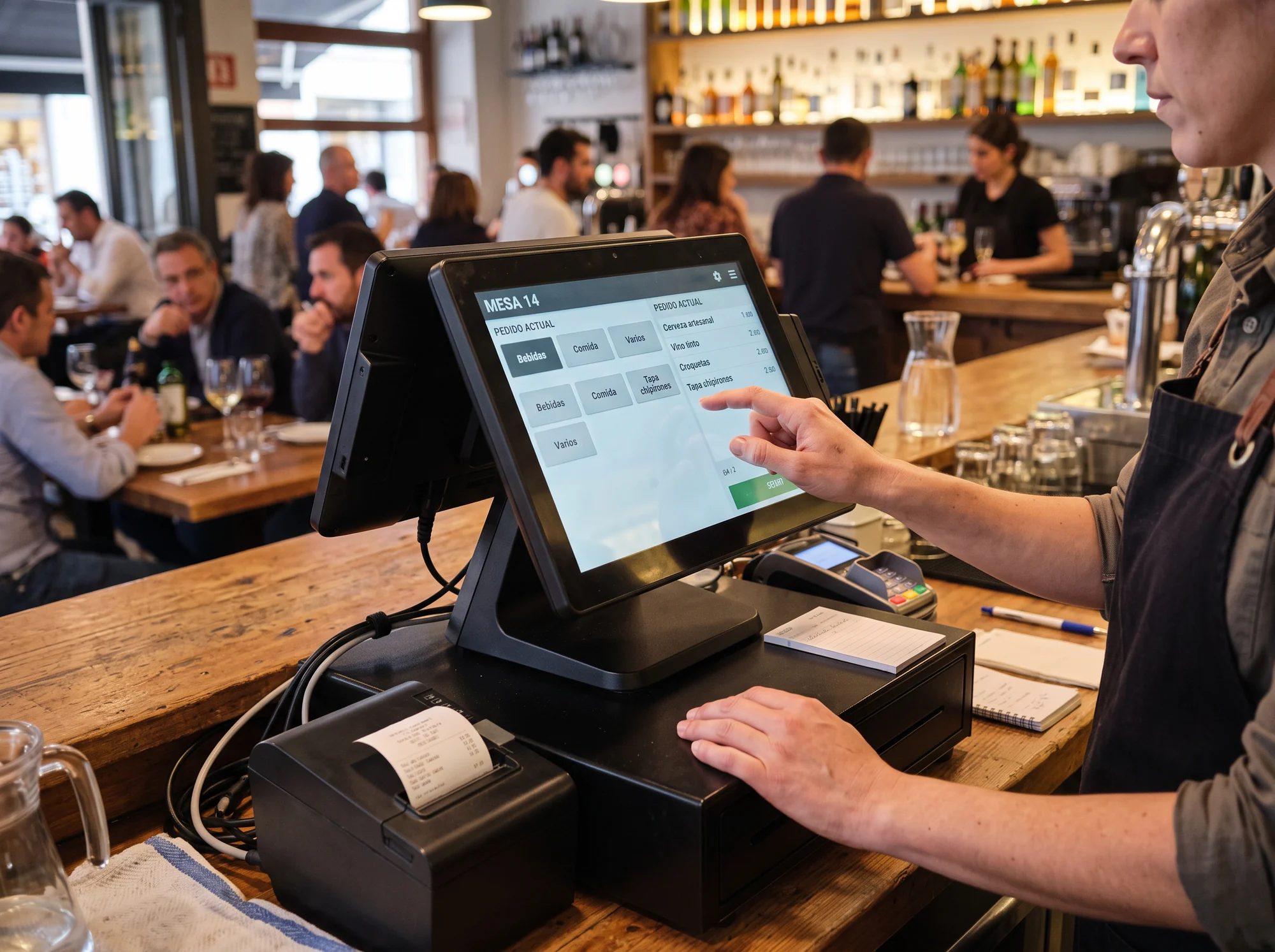
Waitress managing an order on the touch screen POS beside the bar's receipt printer

OrquePOS Web / OrquePOS App

Choose how your restaurant works.

The mode does not change your plan. Hardware and physical installation are quoted separately; each venue uses one operational engine.

In your browserOrquePOS Web

Online access without installing the POS.

Tables, orders, kitchen, till and reports with your venue’s dedicated cloud engine. Open it from your Orquesta Labs account.

  • Requires an Internet connection during service.
  • No automatic printing, cash drawer control or direct NFC reader.
  • Activation and fiscal requirements are validated for your venue.
Choose OrquePOS Web
Installed applicationOrquePOS App

Service with a local main POS.

Windows hosts the engine and operational data. Android floor and kitchen stations connect to the main station over the local network.

  • Local continuity without Internet while the main station and network remain available.
  • Printers, cash drawer and NFC depend on compatibility and physical validation.
  • Requires installation and equipment assessment.
Choose OrquePOS App

What is OrquePOS

There is no time to chase screens.

OrquePOS follows the natural order of service. What matters appears when it is needed; administration stays out of the way.

Waiter entering an order on the restaurant bar's touch screen POS
01

The floor plan is the starting point

Move between dining room, terrace and bar without signing in. Tap a table and a four-digit PIN or NFC wristband opens only the work that belongs there.

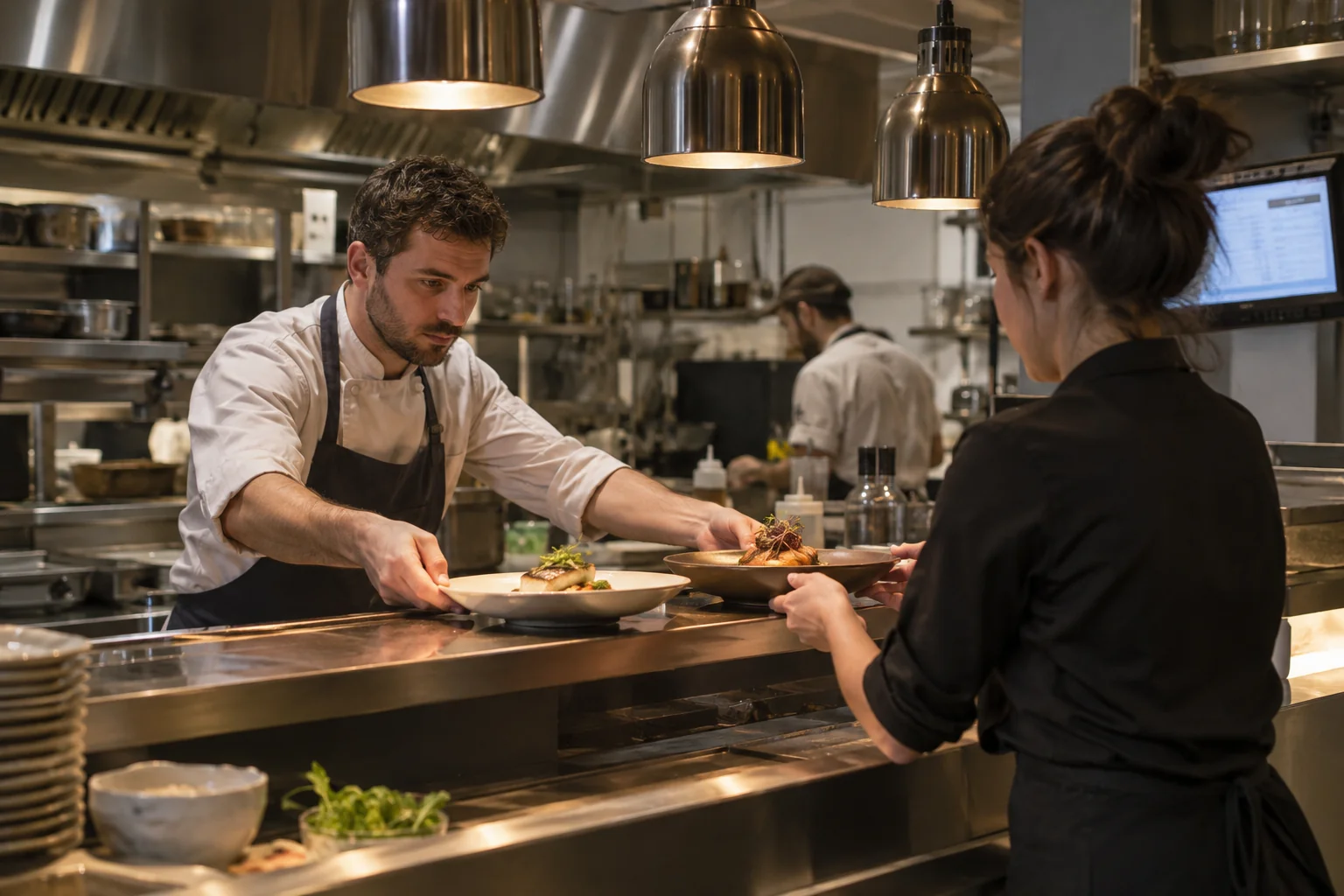
Chef and waitress coordinating finished dishes at the kitchen pass
02

Kitchen receives context, not noise

Items, variants, modifiers, notes and courses reach the right station. KDS shows what arrived, what is being prepared and what can leave.

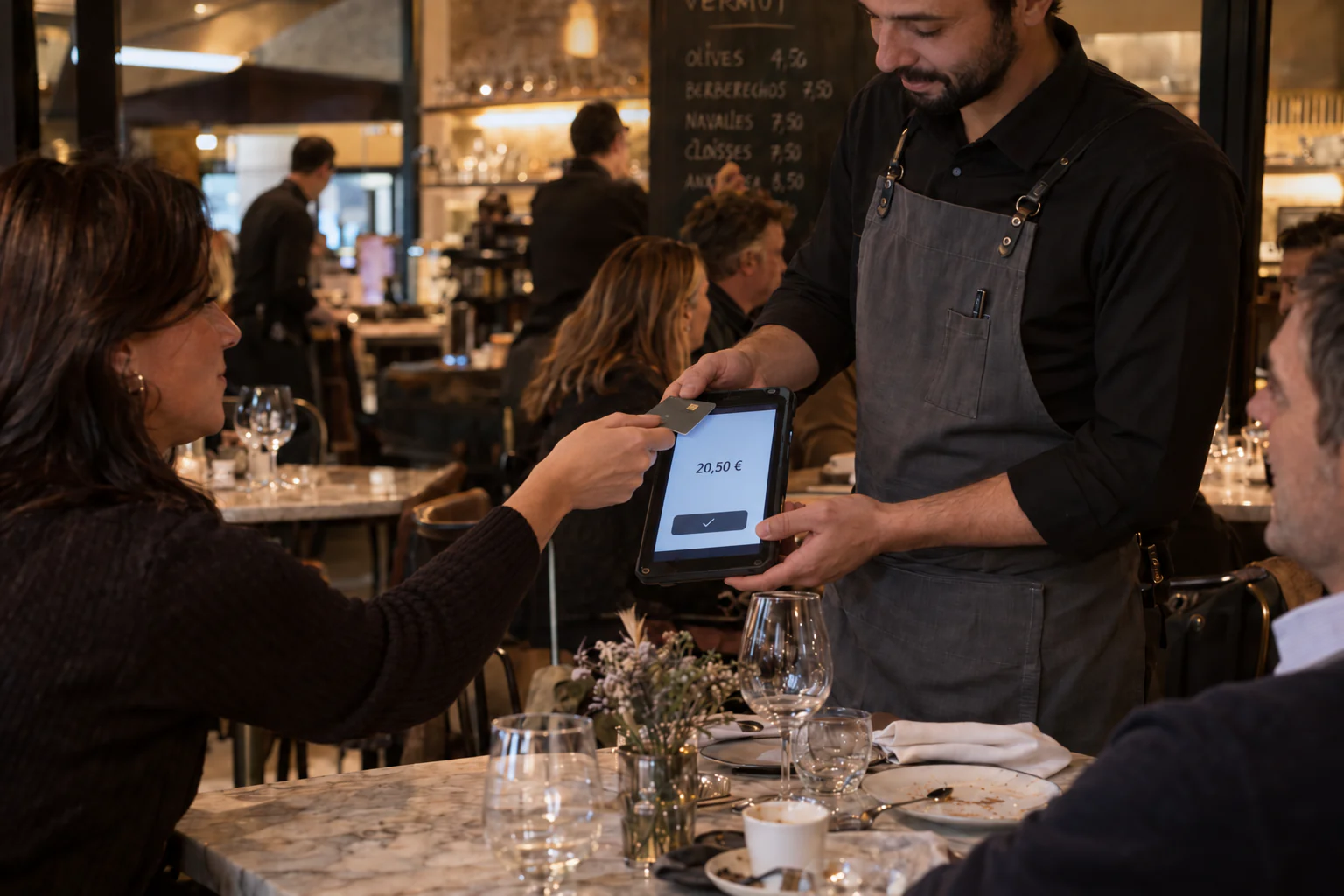
Guest presenting her card to the payment device held by a waiter at the table
03

Settle the bill at the table

Split products, diners, equal parts or amounts. Record partial or mixed payments without rebuilding the bill or losing traceability.

Your business sets the scale

From the bar to a full dining room. No unnecessary software.

Bars and cafés

Start with what you need to serve: orders, bills and till. We review your workstations and equipment to avoid an oversized setup.

Explore my setup

Independent restaurants

Connect the pace of the floor with kitchen stations. Organise service, permissions and payment points around the way you work.

Explore my setup

Groups and multiple venues

Define each restaurant’s scope with one Labs account. Your proposal confirms capacity, equipment and terms before each setup.

Explore my setup

Features

From the first tap to till close.

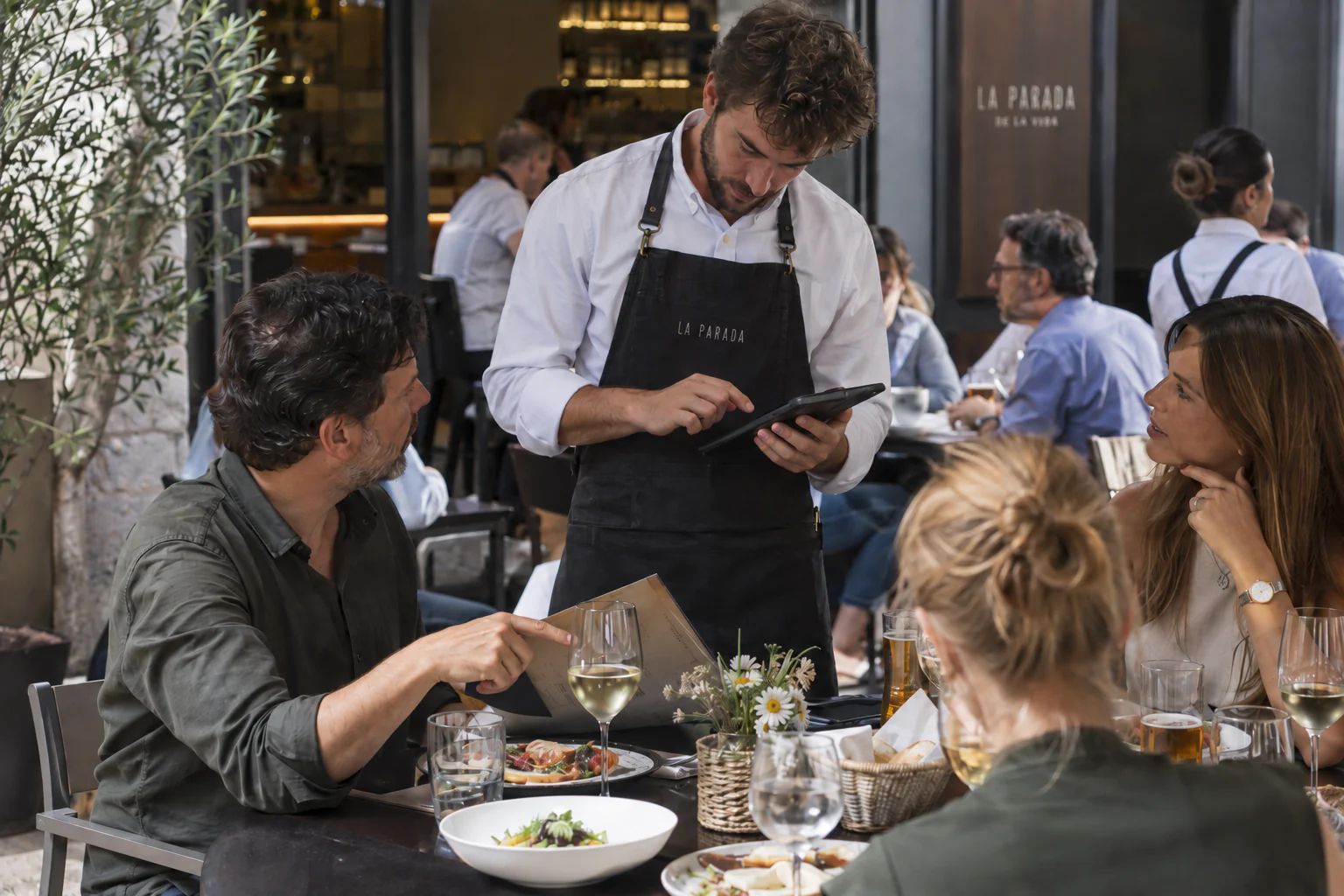
Waiter taking an order on a tablet while attending to diners
01

Take the order where guests place it.

Record orders on the service device and send them to configured preparation destinations. Keep details with the table while you continue serving.

View a table order

Isolated illustration · Fictional data · No real operations

Order · Table 2

  1. 2 × Seasonal vegetables
  2. 1 × Water
  3. Destination: configured kitchen station
02

Clear choices for guests and kitchen.

Add variants, modifiers and notes to each item so details travel with the order to preparation. Check how the kitchen sees them before service.

View an order with changes

Isolated illustration · Fictional data · No real operations

Seasonal vegetables · Order details

Kitchen sees: Seasonal vegetables · Standard preparation

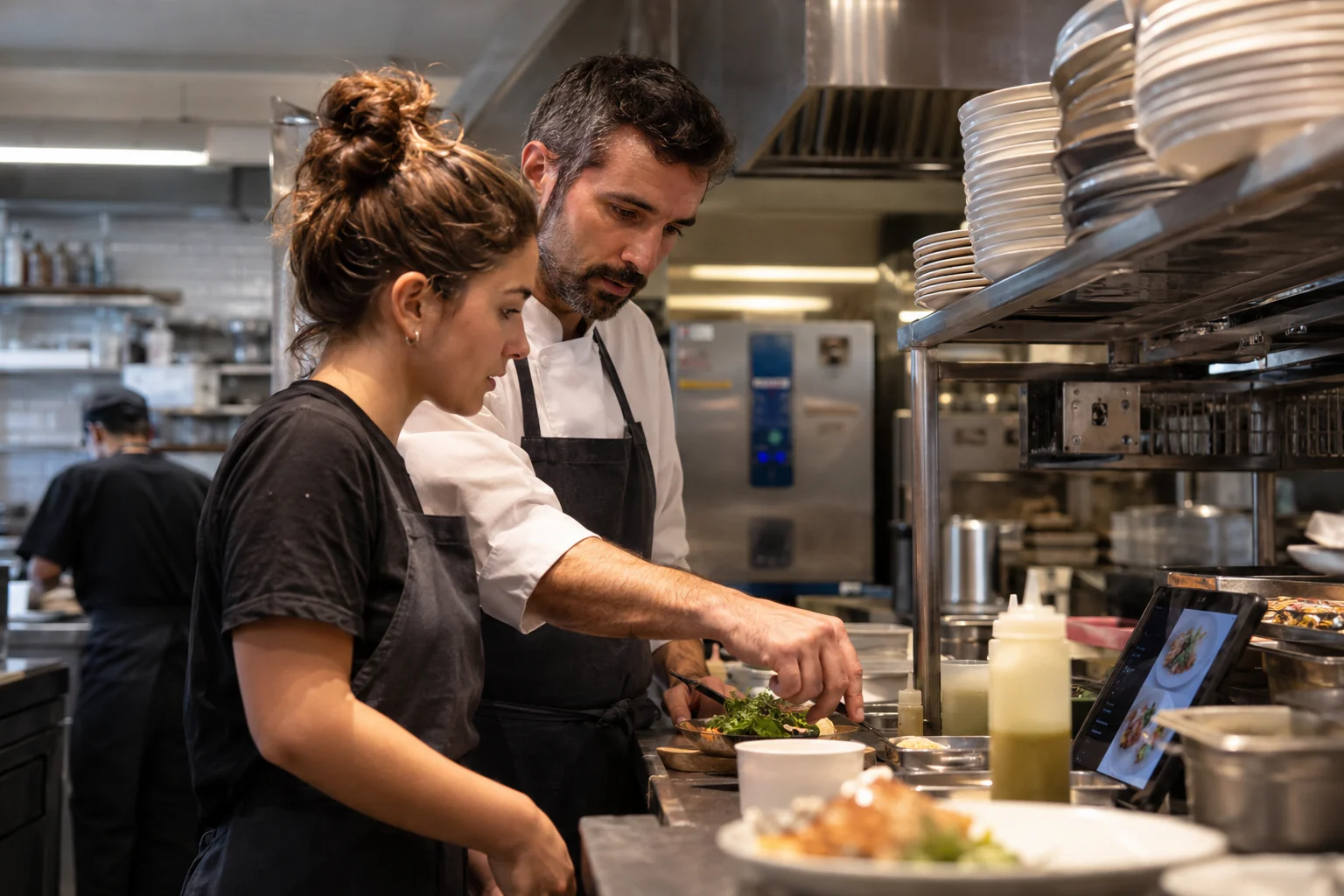
Chef explaining plating to a colleague beside a tablet displaying dishes
03

From pending order to ready dish, with a coordinated team.

Send orders to their stations and follow preparation status from a shared reference. Floor and kitchen coordinate using the same service context.

Explore the KDS

Isolated illustration · Fictional data · No real operations

KDS · Sample order

Table 2 · Kitchen station · Two dishes

In preparation

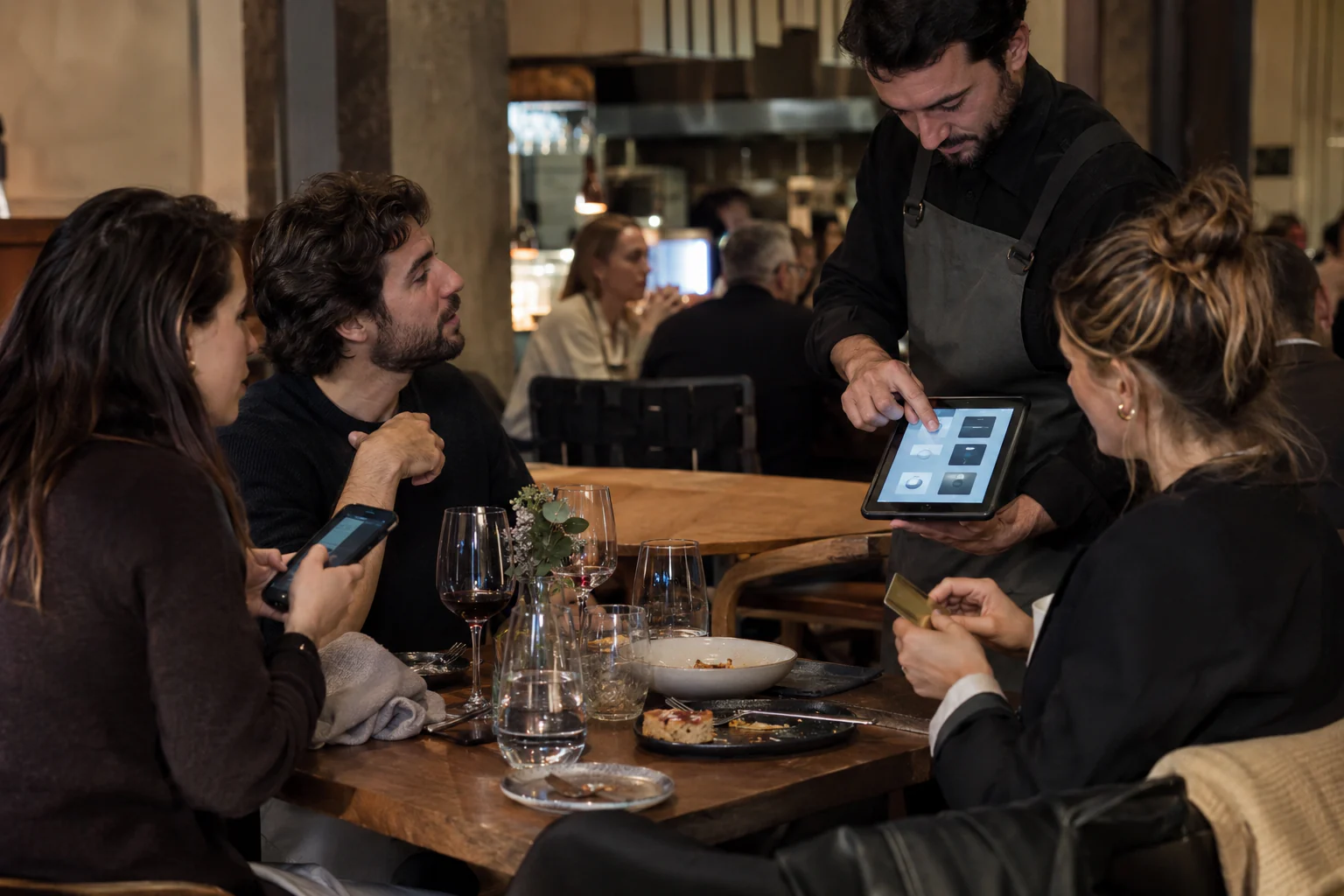
Waiter showing a tablet to diners while a guest holds her payment card
04

Split the bill the way guests ask.

Guests decide how to pay; you need clear amounts, balances and movements. Review the entire flow without losing the account reference.

Try a sample table

Isolated illustration · Fictional data · No real operations

Sample table · Total €42

This illustration does not charge money, issue invoices or send fiscal records.

What happens behind the scenes

Fewer steps for the team. More control for the business.

Fewer steps from finishing a meal to completing payment.

Connect the bill with enabled payment methods and review the outcome of each payment. Keep amounts, confirmations and issues in one clear flow.

Manual card recording does not charge a bank card. Integrated payment availability is confirmed for each installation.

Check payment methods

Isolated illustration · Fictional data · No real operations

Methods and conditions

  1. Cash and partial or mixed manual payments
  2. Manual card: records a payment completed on an external terminal; it does not collect it
  3. Integrated payments: provider, adapter and hardware must be confirmed before subscription

Trace a discrepancy back to the operation.

Review authorised changes, payments and movements linked to each bill. See who acted and what was recorded.

View a bill’s history

Isolated illustration · Fictional data · No real operations

Sample bill history

  1. 13:45 · Account opened by an authorised team member
  2. 14:02 · Order sent to the kitchen
  3. 15:05 · Split confirmed and payments linked to each part

From recipe to consumption, keeping stock in view.

Review ingredient movements alongside recorded operations. Useful inventory relies on maintained recipes, receipts and corrections.

Explore inventory and waste

Isolated illustration · Fictional data · No real operations

Ingredient movements

Opening stock: 10 units · Recorded consumption: 1 unit

Balance: 9 · No waste recorded

Real adjustments require authorisation, an explanation and a maintained recipe. Recorded history is retained.

OrquePOS App · local continuity

Local service continuity, with clear limits.

Local operations require the main device, power and local network to remain available. External services and payments have their own conditions.

See what works offline

Isolated illustration · Fictional data · No real operations

Local continuity

  1. The main device, power and local network must remain available
  2. Floor plan, orders, KDS, bills and till use the restaurant’s activated local device
  3. External payments, initial activation and cloud services retain their own requirements; synchronisation resumes when connected
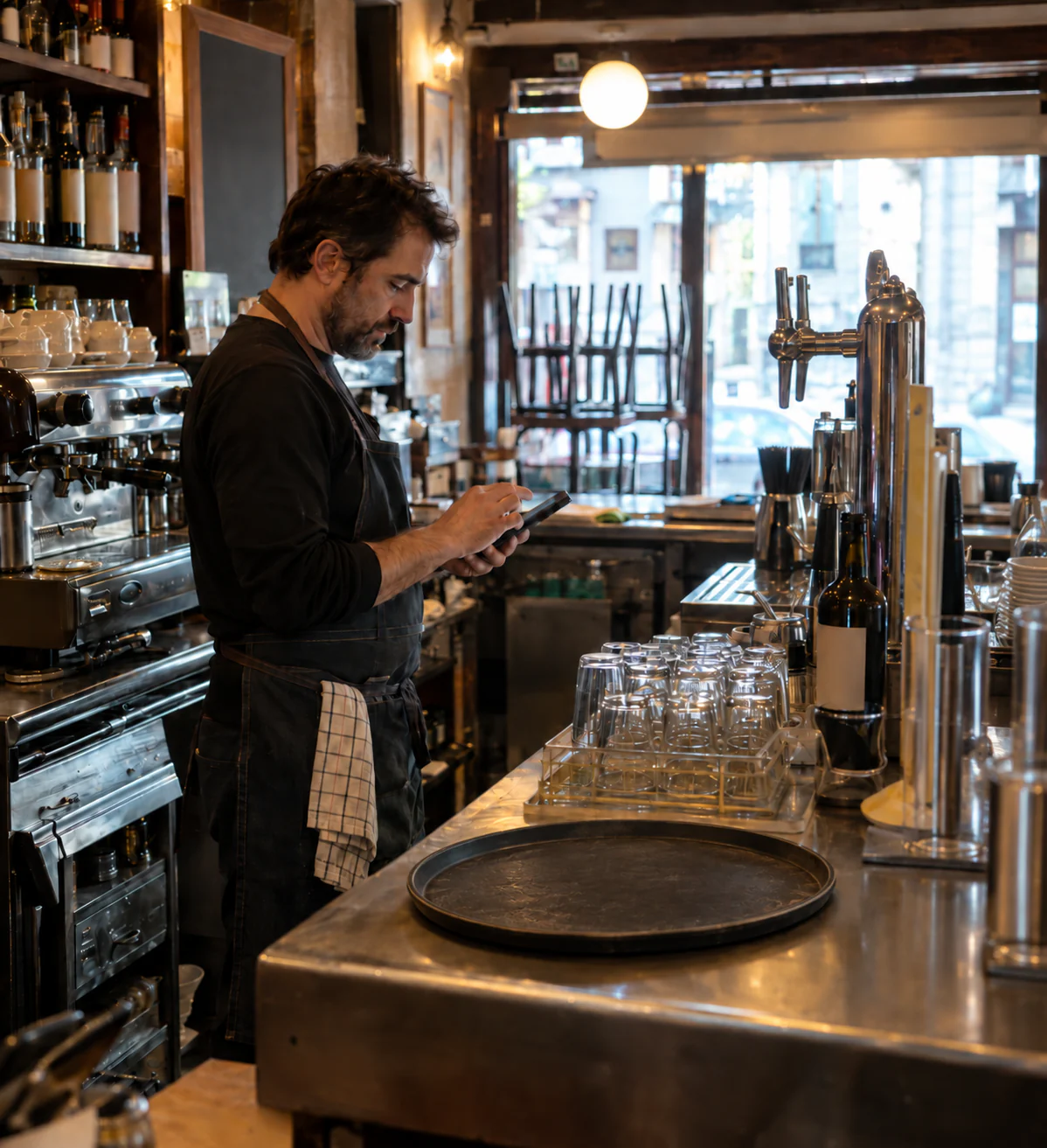
Waiter consulting a tablet beside the taps and coffee machine at the bar
LOCAL

Responds in the venue

  • Floor plan and staff access
  • Orders and KDS states
  • Bills, splitting and till
  • Local fiscal record awaiting delivery
CLOUD

Synchronises when it should

  • Configuration and authorised backups
  • Cross-venue consolidation
  • Commercial state from Orquesta Labs
  • Retries without duplicating operations

This continuity applies to OrquePOS App. OrquePOS Web requires Internet. In App, the main station, power supply and local network must remain available. External services depend on their provider; recording a manual card payment does not charge a card terminal.

Lightweight by design

Keep the equipment you already own, when it is compatible.

For OrquePOS App, Orquesta Labs validates the operating system, network, peripherals and security before each station is activated. OrquePOS Web uses an online browser and does not directly control printers, cash drawers or NFC readers.

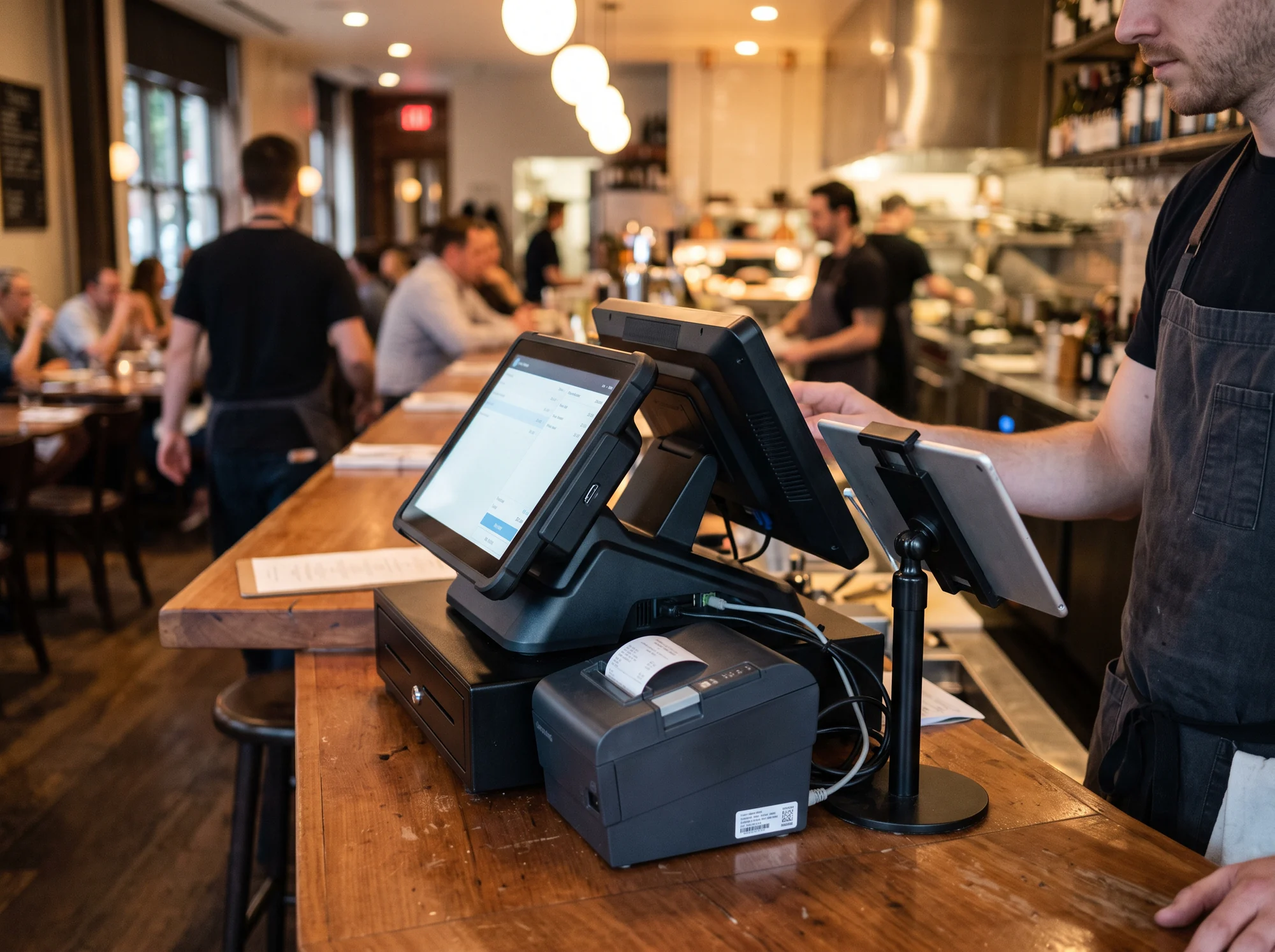
Waiter using a POS with a receipt printer at the restaurant bar
01Main station

Touch Windows POS

Floor plan, orders, bill, till and local operation in a full-screen interface.

02Floor

Android tablet

Portable ordering with the same tables, orders and permissions as the main station.

03Kitchen

Android KDS

Stations, timing and states readable at a distance and connected to the venue’s local system.

04Peripherals

Printers and NFC

Print routes and wristband access are validated device by device during setup.

Spanish fiscal requirements

VERI*FACTU: check availability in OrquePOS.

Review the adaptation status, available documentation and activation requirements before subscribing.

Check VERI*FACTU

Publication status

Commercial version with a published responsible declaration: not available in this release.

The code includes local fiscal records, XML, QR and a delivery queue. Producer declaration, applicable official tests, representation and activation requirements remain to be validated. This does not establish conformity.

AEAT: producer’s responsible declaration (Spanish)
01Available version and mode
02Producer responsible declaration
03Activation requirements
04Conditions for your restaurant

Documentation must correspond to the version offered to your restaurant.

An Orquesta Labs product

Just your POS. Or more Orquesta, when it adds value.

OrquePOS does not force you to buy the rest of the ecosystem. Orquesta Labs centralises identity, venues, contracting, support and permissions; from there you can add Orquesala, OrqueTareas or OrqueTurnos when they deliver real value.

Discover Orquesta Labs
01Orquesala · reservations and floor
02OrqueTareas · operations and HACCP
03OrqueTurnos · team and attendance
04OrquePOS · service and sales

Two plans · No compulsory suite

Dirige for the essentials. Orquesta to go further.

Final contracting takes place in Orquesta Labs. We review your service and equipment to propose only the scope you need.

Choose Web or App and your plan in Labs; for App, complete the equipment diagnostic before payment. The mode does not change the plan. Review fees, implementation, taxes and applicable promotions before confirming. Hardware, payment and fiscal validation apply as appropriate. Labs continues in Spanish.

Essential and capableDirige
€40.00/ venue / month

With annual billing: €408.00/year per venue · 15% off the subscription.

What you need to serve well.

A focused starting point for bars, cafés and small restaurants that want an organised service without paying for an oversized solution.

  • Complete floor plan and service flow
  • KDS, splitting and traceable till
  • Permissions, audit and local continuity in App
  • Hardware and installation quoted per venue
Configure Dirige
Premium approachOrquesta
€90.00/ venue / month

With annual billing: €918.00/year per venue · 15% off the subscription.

Broader scope. The same principles.

For restaurants and groups with more demanding operations. OrqueChef, Payments and Delivery are part of the premium commercial scope; capabilities and activation conditions are confirmed in your proposal.

  • The complete OrquePOS operational core
  • OrqueChef, Payments and Delivery under contract
  • Setup tailored to one or several venues
  • Hardware and installation quoted per venue
Configure Orquesta

Prices exclude VAT. Labs catalogue 2026-09-10.1. Configuration confirms current pricing, implementation and applicable promotions before payment. Hardware and physical installation are separate.

A tailored proposal. No surprises in the scope.

We review your service and equipment. You receive scope, cost and applicable terms before deciding, including any welcome benefits only when POS eligibility is confirmed.

  • Real workflow review
  • Hardware compatibility
  • Configuration and training
  • Activation from Orquesta Labs
Talk to Orquesta Labs

Before bringing it into your restaurant

Does the POS need Internet to serve?

OrquePOS Web requires Internet. OrquePOS App supports local operation after the main station is activated, while power and the local network remain available. It synchronises when connectivity returns. Integrated payments and external services have their own limitations.

Do staff sign in whenever a terminal starts?

An activated App terminal opens on the floor plan and requests a four-digit PIN or NFC for protected actions. Web opens from an authorised Labs account and requires a PIN for protected actions; NFC is available only in App with compatible equipment.

Can I use my current equipment?

It may be possible when operating system, performance, network, printers and readers are compatible. Orquesta Labs validates the technical inventory before confirming a setup; universal compatibility is not promised.

Do I need Orquesala or another product?

No. OrquePOS operates as an independent SaaS. Orquesta Labs is the shared centre for account, contracting and support, not an obligation to buy the other products.

Are integrated card terminals included?

The core records cash, manual card, other methods and mixed payments. Integrated payments depend on the contract, provider, adapter and hardware available for each setup.

Does OrquePOS already claim fiscal conformity?

No. Review, current official documentation and applicable tests must be completed before offering a commercial version adapted to SIF and VERI*FACTU. Check availability and activation requirements before purchasing.

OrquePOS

Your restaurant already has a rhythm. The POS should follow it.

Choose your plan, review equipment and understand the cost before deciding. Add other SaaS only when needed. Go-live is confirmed after your installation is validated.

Configure OrquePOS